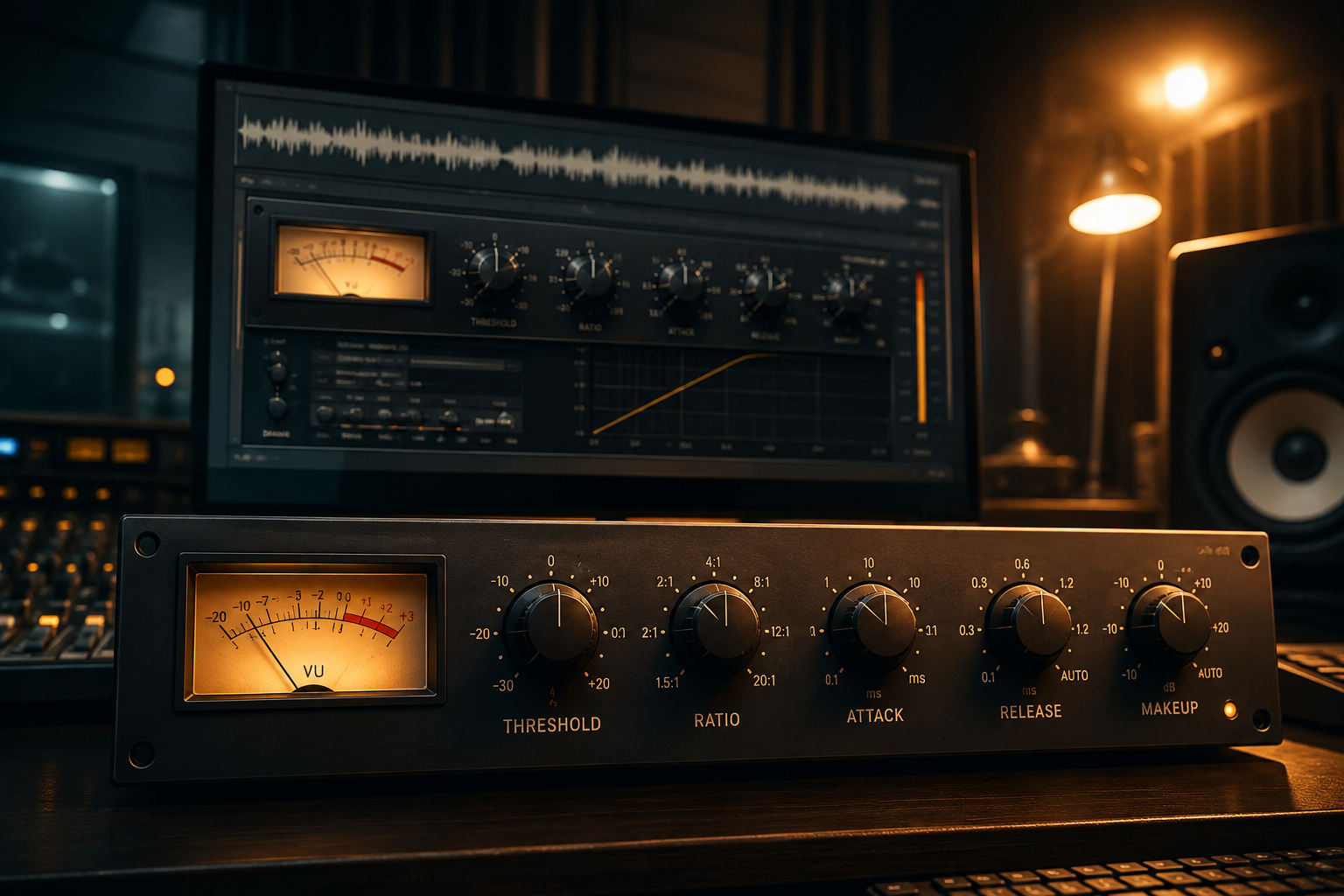
What is a Compressor and How Does It Work?
A compressor is a tool that automatically reduces the volume of a signal once it crosses a certain loudness level, then brings the overall level back up so quiet and loud parts sit closer together. In simple terms: it makes the loud parts of a sound quieter, so the whole thing feels more controlled and consistent. It's one of the most-used — and most misunderstood — tools in mixing, because its effect is often heard more than it's seen on a meter.
What Does a Compressor Actually Do?
Without compression, a vocal or bass performance naturally has moments that are louder and quieter than others — a singer belting a chorus, a bass player digging in harder on certain notes. Left alone, this can make a track feel inconsistent: some words disappear under the instrumental, some notes jump out unexpectedly. A compressor evens this out by turning down only the loud peaks, letting you then raise the overall volume so the whole performance sits at a more consistent, controlled level.
The Core Parameters, Explained
Threshold
The volume level above which the compressor starts working. Anything below the threshold passes through untouched; anything above it gets compressed.
Ratio
How strongly the compressor reduces volume once the signal crosses the threshold. A 2:1 ratio means for every 2 dB the signal goes over the threshold, only 1 dB comes out. A higher ratio (8:1 or more) is a much more aggressive squeeze.
Attack
How quickly the compressor starts reducing volume after the signal crosses the threshold. A fast attack catches transients (the initial "snap" of a sound) immediately; a slow attack lets the transient through before compression kicks in — often used to preserve punch on drums.
Release
How quickly the compressor stops reducing volume after the signal drops back below the threshold. A fast release can create audible "pumping"; a slow release is smoother but can reduce the compressor's responsiveness on fast passages.
Knee
How gradually the compression ramps up around the threshold. A "hard knee" applies full ratio the instant the threshold is crossed; a "soft knee" ramps in gradually, sounding more transparent.
When Should You Actually Use a Compressor?
- Vocals — almost always need some compression to sit consistently in a mix without disappearing or jumping out
- Bass — evens out note-to-note volume so the low end feels solid and controlled
- Drums — used both for control (taming an inconsistent snare) and for character (heavy compression can make drums sound punchier or more aggressive)
- Bus/group compression — a light compressor across a whole drum bus or the master bus can "glue" elements together, making them feel like one cohesive unit
A Common Mistake
Over-compressing is one of the most common beginner mistakes. Squashing a track too hard removes its natural dynamics, making it feel flat, lifeless, and fatiguing to listen to — even if it technically sounds "louder." Compression should support a performance, not flatten it into a single, unchanging volume.
Conclusion
A compressor isn't about making things "loud" — it's about making levels consistent and controlled, which is what actually makes a mix sound professional and intentional. Understanding threshold, ratio, attack, and release gives you precise control over how a sound behaves, instead of just turning a knob until it "feels right."
Want your vocals, bass, and drums compressed with precision by a professional engineer? Order online here →